Why MT5 Latency Rises and How to Test Your Broker Connection
You place a market order on EUR/USD during the London–New York overlap. The price on your chart reads 1.08450. The fill comes back at 1.08463.
Kevin Palmer·Updated: June 19, 2026·11 min read
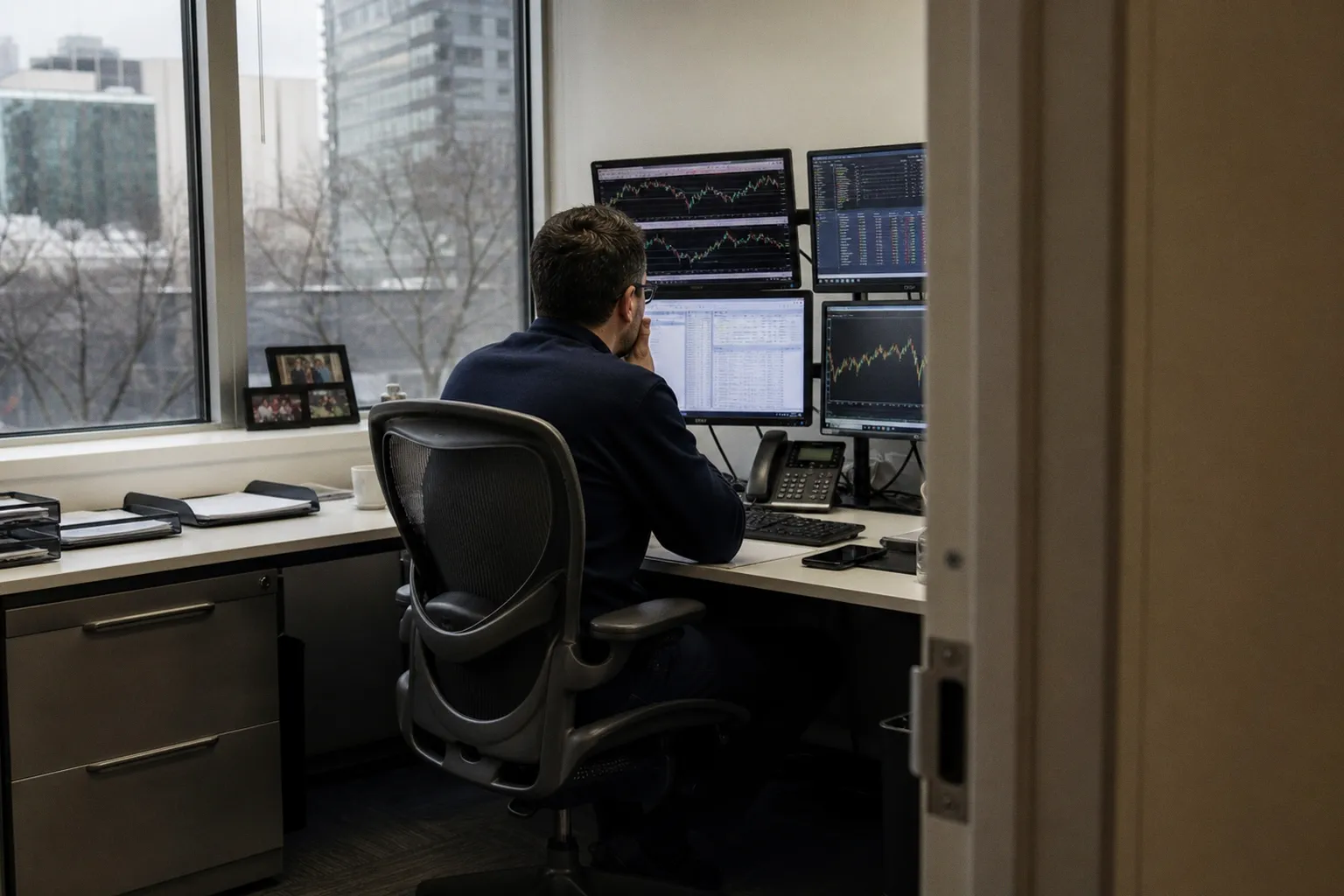
Every retail trader hears about spreads and commissions. Brokers advertise them front and center. What they rarely mention is the invisible third cost: the milliseconds your order spends travelling between your machine and their server, then from their server to the liquidity pool. On a fast day it's negligible. On a volatile day — NFP release, central bank surprise, flash crash — it's the difference between a clean fill and a fill that makes you question your entire setup.
I've tested enough platforms and broker connections to know that most traders have no idea what their actual latency is. They see the number in the corner of MT5, ignore it, and blame "the market" when execution goes sideways. Let's fix that. Here's how latency actually works, how to measure it properly, and what to do when the numbers look bad.
The Mechanics of Latency: Why Your MT5 Terminal Lags During Volatility
Latency isn't a single problem. It's a chain of delays, and the weakest link sets your real execution speed.
Network distance is the biggest factor most traders overlook. Your order has to physically travel — through fibre optic cables, across routers, through your ISP's infrastructure — from your home connection to the broker's data centre. If you're sitting in São Paulo and your broker's servers are in London, you're looking at a baseline round-trip time (RTT) of 150–200ms before any processing even begins. That's not a platform flaw. That's physics.
Server-side load is the second variable. MetaTrader 5 uses a multi-threaded architecture, which sounds efficient until thousands of traders are placing orders simultaneously during a major news event. The broker's server has to process, match, and route each order. When CPU usage spikes on the broker's end, your order queues up. You see this as slippage. The broker sees it as "market conditions."
Your own machine contributes more than you think. MT5's multi-threaded engine consumes CPU cycles locally — running charts, Expert Advisors, indicator calculations, and your internet browser in the background. A cluttered system with outdated network drivers can add 10–30ms of internal delay before the order even leaves your network. Most traders never consider this layer.
Then there's packet loss and jitter. Your internet connection isn't a clean pipe. Data packets can be delayed (jitter) or lost entirely, requiring retransmission. On a stable fibre connection, packet loss should be zero. On a congested Wi-Fi network during peak hours, even 1–2% packet loss can cause order requests to stall or fail silently — and MT5 won't always tell you it happened.
The compounding effect is what kills you. A 120ms network delay plus 40ms server processing plus 15ms local overhead gives you 175ms total. In a fast-moving market, that's enough for price to move 2–5 pips on a liquid pair. On an exotic pair with thin liquidity? Double that.
Latency isn't one problem — it's a chain. Your fill price depends on the slowest link in that chain, and most traders never bother to find it.
Decoding the Status Bar: Interpreting Ping and Packet Loss Metrics
MetaTrader 5 gives you a built-in latency indicator, but most traders treat it like a decorative light. It's actually your first diagnostic tool.
In the bottom-right corner of the MT5 status bar, you'll see a connectivity icon with a latency value in milliseconds. This number represents the round-trip time between your terminal and the broker's server — how long a tiny test packet takes to make the journey and come back.
Here's how to read it realistically:
| Latency Range | What It Means | Practical Impact |
|---|---|---|
| Under 50ms | Excellent — likely same-region or VPS-connected | Near-instant execution; slippage is minimal and driven mainly by liquidity depth |
| 50–150ms | Acceptable for most strategies | Swing traders won't notice; scalpers will see occasional fills 1–2 pips off |
| 150–200ms | Borderline — distant server or congested connection | Noticeable slippage during volatility; limit orders become essential |
| Over 200ms | Problematic | Orders consistently lag; price can move significantly before fill; not viable for short timeframes |
That number fluctuates. It's not static. During a major data release, I've watched my latency jump from 45ms to 180ms in under a second — and that spike is exactly when you need the fastest execution. Monitoring latency during quiet hours tells you almost nothing about your real-world performance.
A few things the status bar doesn't show you: packet loss, jitter, and whether the delay is happening on your end or the broker's end. For that, you need to go deeper.
If you're serious about improving your trading infrastructure, understanding these network fundamentals is part of the preparation — much like structured education programs that build a foundation before you risk real capital. Skipping the basics of your own setup is the same logic as trading a strategy you don't understand.
Advanced Diagnostics: Using Command Prompt to Audit Broker Server Stability
The MT5 ping indicator is a summary. To get granular, you need to step outside the platform.
Step 1: Find your broker's server IP address.
Open MT5, go to Tools → Options → Server. The server name is listed there (something like BrokerName-Live01). Alternatively, while connected, open the Windows Command Prompt and run:
netstat -nLook for established connections on port 443 or the broker's designated port. The foreign address listed is your broker's server IP. Write it down.
Step 2: Run a sustained ping test.
In Command Prompt, type:
ping [server IP] -n 100This sends 100 packets to the broker's server. What you're looking for:
- Average RTT: Should match roughly what MT5 shows. If the Windows ping shows 30ms but MT5 shows 150ms, the extra 120ms is happening inside the platform or on the broker's processing side — not on the network.
- Packet loss: Must be 0%. Anything above 0% is a red flag. Even 2% means roughly 2 in every 100 order requests could stall or require retransmission.
- Jitter (variation in response time): If your ping bounces between 30ms and 200ms unpredictably, your connection is unstable. Consistent 80ms is better than erratic 40–200ms swings.
Step 3: Test at different times.
Run the same ping test during three windows: Asian session (low volume), London open (moderate), and NFP release (extreme). The latency delta between quiet and volatile hours tells you how your broker's infrastructure handles pressure. A server that triples its response time during news isn't built for the load it's attracting.
Step 4: Compare multiple broker servers.
If you have demo accounts with different brokers, repeat the test for each. You'll often find that a broker advertising "ultra-low latency" has servers in the same data centre as a cheaper competitor — the infrastructure is identical; you're paying for the branding.
If your Windows ping shows 30ms but MT5 reports 150ms, the bottleneck isn't your connection — it's what happens after your order arrives at the broker.
Bridging the Gap: How VPS Hosting and ECN Infrastructure Minimize Execution Delays
Once you've measured your latency, the question is what to do about it. Two solutions dominate: changing where you trade from (VPS) and changing how your orders are routed (broker type).
Virtual Private Server (VPS) hosting solves the distance problem. Instead of your order travelling from your home in Chicago to a broker's London server across 4,000 miles of fibre, you rent a virtual machine in the same data centre as the broker. Your MT5 instance runs there. Latency drops from 120ms to 1–5ms. The trade-off: you're paying $20–80/month for the VPS, you need to manage it remotely, and if the VPS provider has outages, you can't access your platform.
A practical latency comparison:
| Setup | Typical Latency | Best For |
|---|---|---|
| Home connection (same continent as broker) | 30–80ms | Position traders, long-term holds |
| Home connection (cross-continent) | 120–250ms | Only viable for daily/weekly strategies |
| VPS in broker's data centre | 1–5ms | Scalpers, algorithmic traders, news traders |
| VPS in same city, different data centre | 5–20ms | Day traders needing consistent fills |
The VPS decision depends on your strategy. If you hold trades for hours or days, the latency difference between 40ms and 4ms is irrelevant — the market will move pips against you anyway. If you're scalping 5-pip targets on 1-minute charts, that 36ms gap can represent 20–30% of your intended profit on a single trade.
ECN vs. Market Maker routing is the second lever. ECN (Electronic Communication Network) brokers route your orders directly to a pool of liquidity providers — banks, hedge funds, other traders. The order hits the market without a dealing desk in the middle. This typically means lower latency because there's less processing overhead. Market Makers, by contrast, often take the other side of your trade internally. The order doesn't leave their server. Execution can be instant, but the price you get may not be the market price — and during volatility, Market Makers widen spreads or requote aggressively to protect their own exposure.
Neither model is universally better. ECN gives you raw spreads (often 0.0–0.3 pips on EUR/USD) but charges commission per lot. Market Makers offer zero-commission trading but build their profit into the spread (1.0–1.5 pips typical). For latency specifically, ECN wins — but only if the broker's bridge technology to their liquidity providers is well-engineered. A poorly built ECN bridge adds its own processing delay, negating the structural advantage.
Distinguishing Between Network Latency and Broker-Side Processing Bottlenecks
This is where most traders get fooled. They see slippage, assume "latency," and either blame their internet or buy a VPS. Sometimes that fixes it. Often it doesn't — because the problem was never on the network.
Here's the diagnostic logic I use:
If your Windows ping to the broker's server is low (under 50ms) but your MT5-reported latency is high (150ms+), the delay is happening inside the broker's infrastructure. Your order reaches their server quickly, but the server takes too long to process it. This could be a busy dealing desk (Market Maker), a slow bridge to liquidity, or overloaded server hardware. No VPS in the world fixes this. You switch brokers or accept the execution quality.
If both your Windows ping and MT5 latency are consistently high, the problem is on your end or between you and the broker. Test from a different network (mobile hotspot as a baseline). If latency drops, your ISP or home router is the bottleneck. If it doesn't, the distance to the server is the issue — VPS is the solution.
If latency is normally fine but spikes only during news, that's server-side load. The broker's infrastructure can't handle peak volume. This is the hardest problem to solve because every broker degrades somewhat during extreme events, but the degree varies enormously. Brokers with dedicated liquidity bridges and colocated servers degrade 2–3x. Budget brokers degrade 10–20x. The difference shows up in your fill quality at exactly the moments it matters most.
A few realistic expectations worth setting:
- Zero slippage is a myth. Even with 1ms latency and deep liquidity, price moves between when you click and when the order reaches the matching engine. Slippage is a cost of trading, not a platform defect. The goal is minimising it, not eliminating it.
- Latency alone doesn't determine execution quality. Liquidity depth matters as much. A broker with 20ms latency but thin liquidity will fill you worse than a broker with 80ms latency and deep liquidity pools. You need to evaluate both.
- Demo accounts don't reflect real execution. Most brokers route demo orders to different servers with lighter loads. Your demo might show 20ms latency while live accounts hit 120ms. Always test on a live account — even a small one — before trusting the numbers.
The Verdict
If you're trading on MT5 and you've never run a ping test to your broker's server, you're making assumptions about your execution quality with zero data. That's not cautious trading — that's gambling on your own infrastructure.
Start with the basics: check the status bar latency, run a 100-packet ping test in Command Prompt, and log the results across different market conditions. If your latency stays under 50ms consistently, your setup is solid — focus on strategy. If it's bouncing above 150ms or showing packet loss, diagnose whether the problem is your connection, your distance to the server, or the broker's processing speed. Each cause has a different fix.
A VPS colocated with your broker's server is the single highest-impact upgrade for latency-sensitive strategies. But it only solves the network distance problem. If the bottleneck is on the broker's side — slow bridges, overloaded servers, thin liquidity — no amount of optimisation on your end will help. You change brokers.
Measure first. Diagnose second. Spend money third. That's the order that actually works.